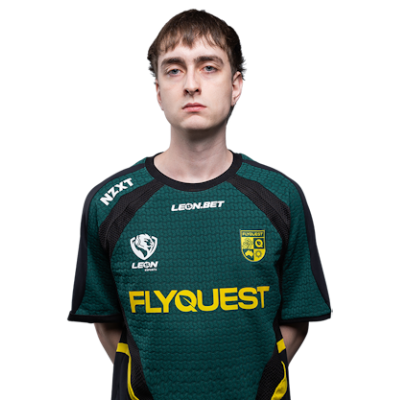
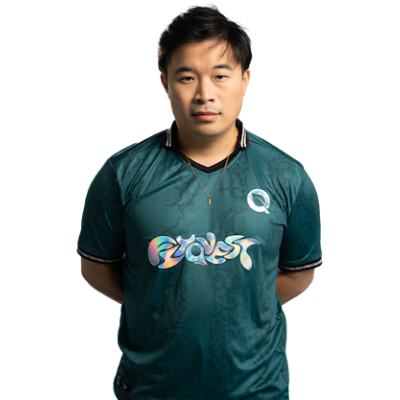
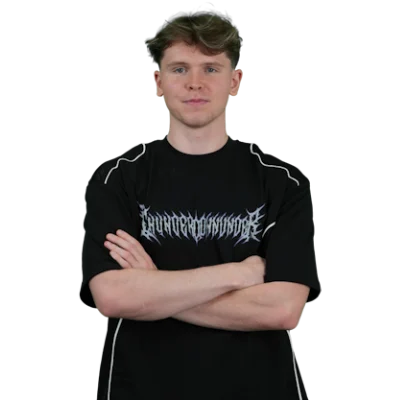
Tynan “TjP” Purtell is a professional Counter-Strike player from Australia. Born on Jun 10, 2002, he currently represents THUNDER dOWNUNDER as the team’s rifler.
TjP
Name
Tynan Purtell
Country

Australia
Birthday
Jun 10, 2002
TjP CS2 Settings
TjP Crosshair Settings
Style
Classic Static
Follow Recoil
off
Dot
off
Length
1
Thickness
1
Gap
-4
Outline
off
Color
Cyan
Alpha
on
Alpha Value
255
T Style
off
Deployed Weapon Gap
off
Sniper Scope Width
1
TjP Mouse Settings
DPI
400
Sensitivity
1.45
eDPI
580
Zoom Sensitivity
1
Hz (Refresh Rate)
1000
Windows Sensitivity
6
TjP Config
Download the full config file
Place the extracted config file into the following folder:
Steam\steamapps\common\Counter-Strike Global Offensive\game\csgo\cfg
Then launch the game, press “~” to open the console, and type:
exec autoexec.cfg
Steam\steamapps\common\Counter-Strike Global Offensive\game\csgo\cfg
Then launch the game, press “~” to open the console, and type:
exec autoexec.cfg
TjP Viewmodel
viewmodel_fov 68; viewmodel_offset_x 2.5; viewmodel_offset_y 0; viewmodel_offset_z -1.5; viewmodel_presetpos 2;
FOV
68
Offset X
2.5
Offset Y
0
Offset Z
-1.5
Preset Pos
2
Video Settings
Resolution
1280x960
Aspect Ratio
4:3
Scaling Mode
Stretched
Brightness
93%
Display Mode
Fullscreen
Advanced Video Settings
Boost Player Contrast
Unknown
V-Sync
Unknown
NVIDIA Reflex Low Latency
Unknown
NVIDIA G-Sync
Unknown
Maximum FPS In-Game
Unknown
Multisample Anti-Aliasing Mode
Unknown
Global Shadow Quality
Unknown
Dynamic Shadows
Unknown
Model / Texture Quality
Unknown
Texture Filtering Mode
Unknown
Shader Detail
Unknown
Particle Detail
Unknown
Ambient Occlusion
Unknown
High Dynamic Range
Unknown
FidelityFX Super Resolution
Unknown
HUD Settings
HUD Scale
1
HUD Color
Team Color
Radar Settings
Radar Centers The Player
Yes
Radar is Rotating
Yes
Toggle Shape With Scoreboard
Yes
Radar HUD Size
1
Radar Map Zoom
0.4
TjP Gear
-
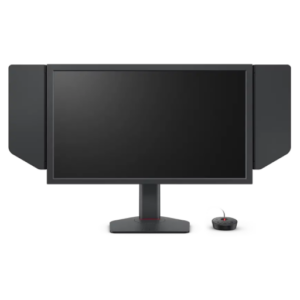
monitor
ZOWIE XL2586X+ -
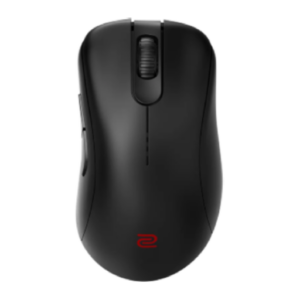
mouse
ZOWIE EC2-DW Black -
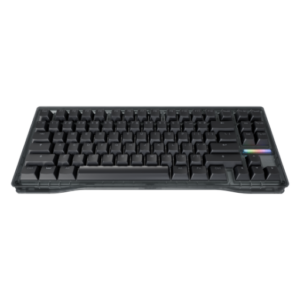
keyboard
Wooting 80HE Ghost -
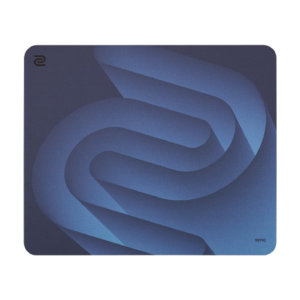
mousepad
ZOWIE G-SR-SE BLUE II