


Máximo “maxxkor” Cortina is a professional Counter-Strike player from Argentina.
maxxkor
Name
Máximo Cortina
Country

Argentina
maxxkor CS2 Settings
maxxkor Crosshair Settings
Style
Classic Static
Follow Recoil
off
Dot
off
Length
2
Thickness
0
Gap
-3
Outline
off
Color
Cyan
Alpha
on
Alpha Value
255
T Style
off
Deployed Weapon Gap
off
Sniper Scope Width
1
maxxkor Mouse Settings
DPI
400
Sensitivity
2
eDPI
800.00
Zoom Sensitivity
1
Hz (Refresh Rate)
1000
Windows Sensitivity
6
maxxkor Config
Download the full config file
Place the extracted config file into the following folder:
Steam\steamapps\common\Counter-Strike Global Offensive\game\csgo\cfg
Then launch the game, press “~” to open the console, and type:
exec autoexec.cfg
Steam\steamapps\common\Counter-Strike Global Offensive\game\csgo\cfg
Then launch the game, press “~” to open the console, and type:
exec autoexec.cfg
maxxkor Viewmodel
viewmodel_fov 68; viewmodel_offset_x 2.5; viewmodel_offset_y 0; viewmodel_offset_z -1.5; viewmodel_presetpos 2;
FOV
68
Offset X
2.5
Offset Y
0
Offset Z
-1.5
Preset Pos
2
Video Settings
Resolution
1280x960
Aspect Ratio
4:3
Scaling Mode
Stretched
Brightness
93%
Display Mode
Fullscreen
Advanced Video Settings
Boost Player Contrast
Unknown
V-Sync
Unknown
NVIDIA Reflex Low Latency
Unknown
NVIDIA G-Sync
Unknown
Maximum FPS In-Game
Unknown
Multisample Anti-Aliasing Mode
Unknown
Global Shadow Quality
Unknown
Dynamic Shadows
Unknown
Model / Texture Quality
Unknown
Texture Filtering Mode
Unknown
Shader Detail
Unknown
Particle Detail
Unknown
Ambient Occlusion
Unknown
High Dynamic Range
Unknown
FidelityFX Super Resolution
Unknown
HUD Settings
HUD Scale
1
HUD Color
Team Color
Radar Settings
Radar Centers The Player
Yes
Radar is Rotating
Yes
Toggle Shape With Scoreboard
Yes
Radar HUD Size
1
Radar Map Zoom
0.4
maxxkor Gear
-
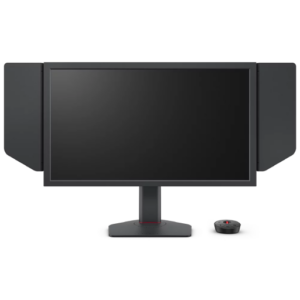
monitor
ZOWIE XL2566X+ -
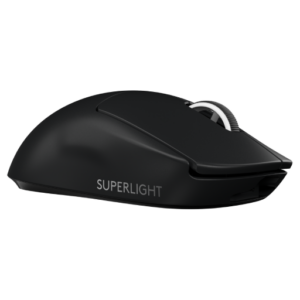
mouse
Logitech G Pro X Superlight 2 Black -
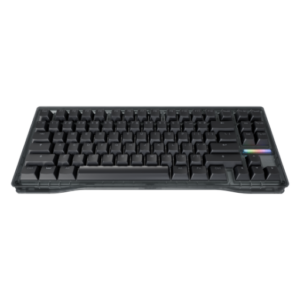
keyboard
Wooting 80HE Ghost -
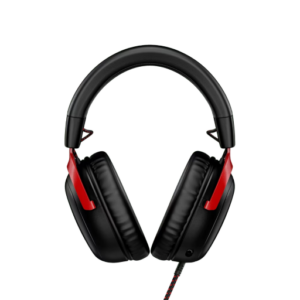
headset
HyperX Cloud III -
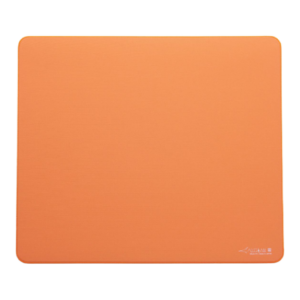
mousepad
Artisan Ninja FX Zero Soft Orange


