Place the extracted config file into the following folder: Steam\steamapps\common\Counter-Strike Global Offensive\game\csgo\cfg Then launch the game, press “~” to open the console, and type: exec autoexec.cfg
h0kz Viewmodel
FOV
68
Offset X
2.5
Offset Y
0
Offset Z
-1.5
Preset Pos
2
Video Settings
Resolution
1280x960
Aspect Ratio
4:3
Scaling Mode
Stretched
Brightness
93%
Display Mode
Fullscreen
Advanced Video Settings
Boost Player Contrast
Enabled
NVIDIA Reflex Low Latency
Disabled
Maximum FPS In-Game
0
Multisample Anti-Aliasing Mode
8x MSAA
Global Shadow Quality
Low
Dynamic Shadows
All
Model / Texture Quality
Low
Texture Filtering Mode
Trilinear
Shader Detail
Low
Particle Detail
Low
Ambient Occlusion
Disabled
High Dynamic Range
Quality
FidelityFX Super Resolution
Disabled (Highest Quality)
HUD Settings
HUD Scale
1
HUD Color
Pink
Radar Settings
Radar Centers The Player
Yes
Radar is Rotating
Yes
Toggle Shape With Scoreboard
Yes
Radar HUD Size
1
Radar Map Zoom
0.7
h0kz Gear
Monitor
ZOWIE XL2566K
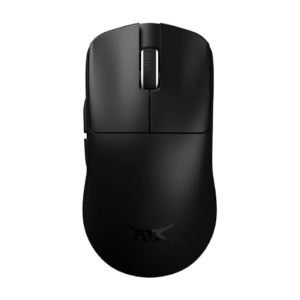
Mouse
ATK Blazing Sky F1 Pro MAX
Keyboard
Logitech G Pro X TKL Keyboard Black (GX Brown Tactile)